

Packages and Environment Variables
Open Settings in the main menu and choose Packages, Environment Variables, or, for apps imported from Draftbit Classic, Variables. Older docs, screenshots, or app versions may call this area Build Config or Environments.
These sections of Settings are where you manage the settings that affect how your app is built and how the AI agent works with your project dependencies. It brings Packages, Environment Variables, and legacy Variables for imported apps into one place.
Sections
Section titled “Sections”Settings has these build sections:
| Section | Purpose |
|---|---|
| Packages | Edit dependencies and devDependencies from your app’s package.json. |
| Environment Variables | Add and manage environment variables for development, staging, and production. |
| Variables | Edit legacy global variables for apps imported from Draftbit Classic. This section only appears for imported apps that use those variables. |
Packages
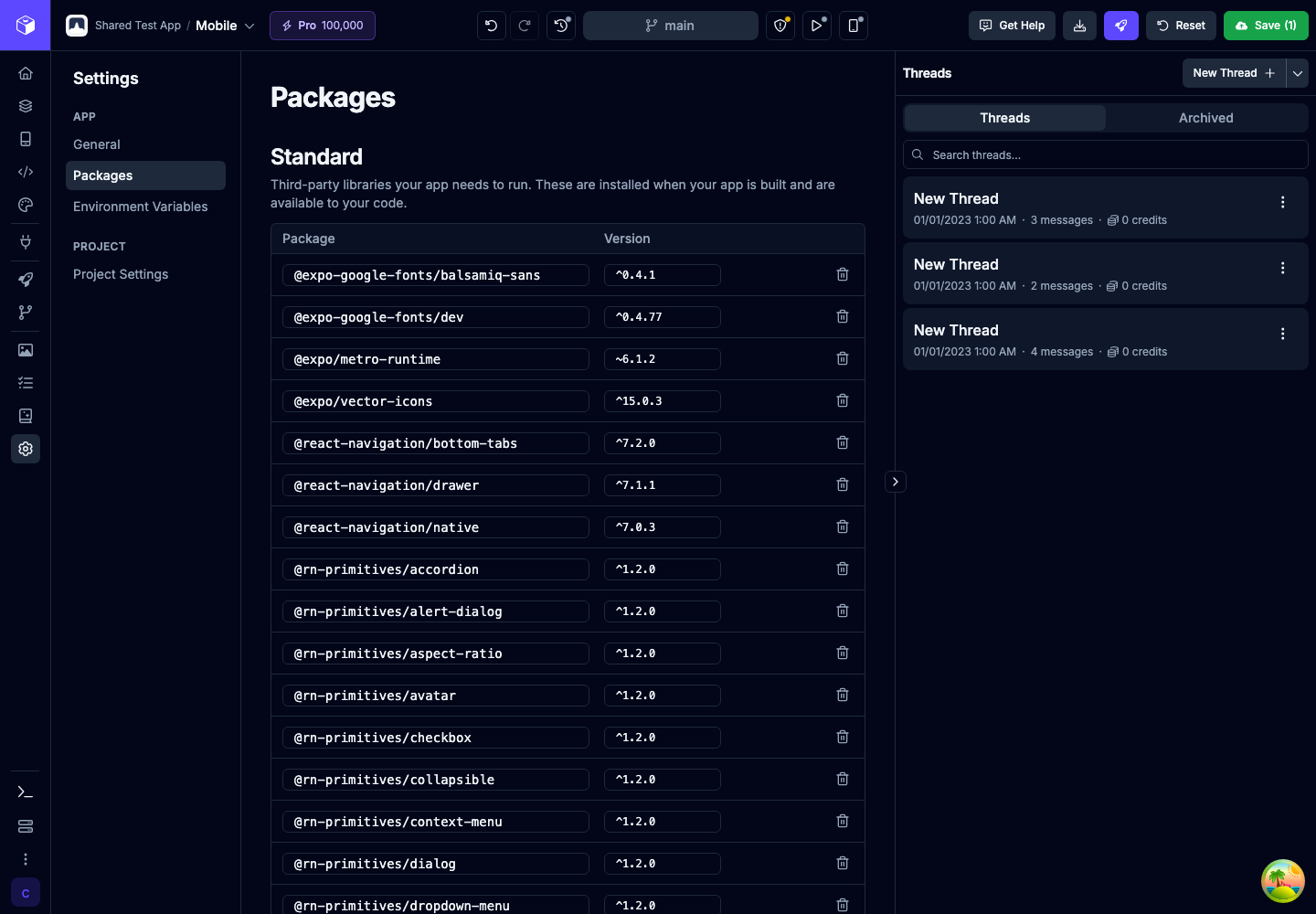
Section titled “Packages”The Packages section lets you edit your app’s npm dependencies without opening package.json manually.
It has two sections:
| Section | Description |
|---|---|
| Standard | Third-party libraries your app needs to run. These are installed when your app is built and are available to your code. |
| Development | Libraries used during development that are not shipped with production versions of your app. |
For each package, you can edit the package name or version inline, remove the package, or add a new row with a package name and version.
Environment Variables
Section titled “Environment Variables”The Environment Variables section holds values your app reads at build time or runtime, such as API URLs, public keys, and feature flags. Each variable can have its own value in Development, Staging, and Production.
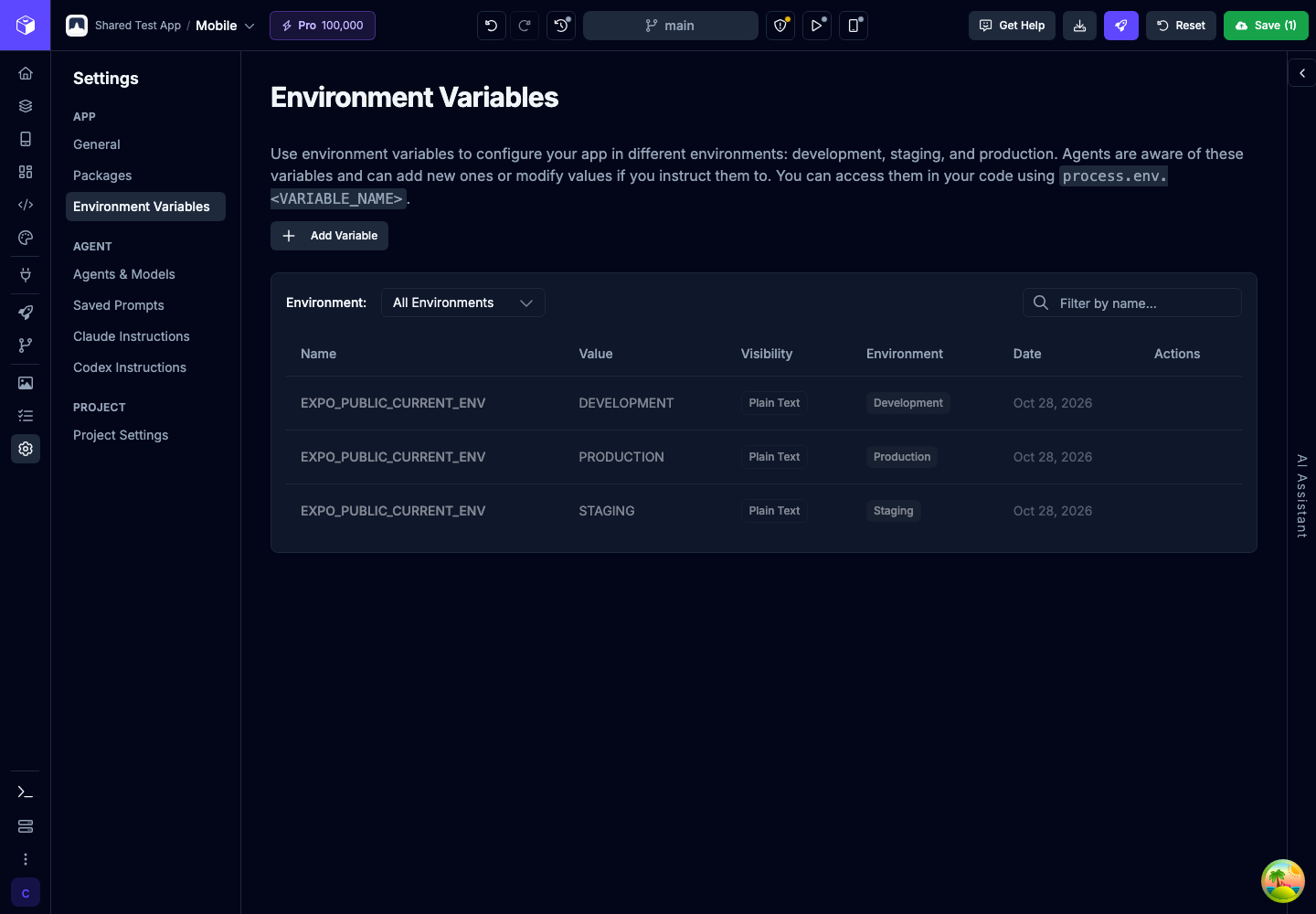
See Environment Variables for which environment each preview, build, and publish uses, the prefix for each app type, Plain text and Sensitive visibility, and how to add, edit, and delete variables.
Legacy Variables
Section titled “Legacy Variables”Apps imported from Draftbit Classic may include legacy global variables. Settings gives those apps a Variables section to review and edit the imported runtime values across environments without hand-editing the generated files.